Printing on acrylic sheets with UV technology is changing the way people create custom signs, art, and displays. It’s not just for big businesses anymore—you can now do it at home if you want. The process is pretty simple: you print your design right onto an acrylic sheet, and UV light dries the ink instantly. This makes the colors really stand out, and the prints last a long time. Whether you want to make a bold sign for your shop, a unique piece of wall art, or a personalized award, UV printing on acrylic sheets gives you a lot of options. Let’s walk through the basics, the benefits, and some cool ways you can use this printing method.
Key Takeaways
- UV printing on acrylic sheets gives you sharp, colorful results that last indoors or outside.
- The process is quick—UV light cures the ink instantly, so there’s no waiting for prints to dry.
- Acrylic is strong and resists scratches, water, and sunlight, so your prints stay looking good.
- You can print on clear, frosted, or colored acrylic, and even add special effects like textures or edge-to-edge designs.
- Keeping your printer clean and using good-quality ink and acrylic sheets helps you get the best results every time.
Understanding UV Printing On Acrylic Sheets
What is UV Printing?
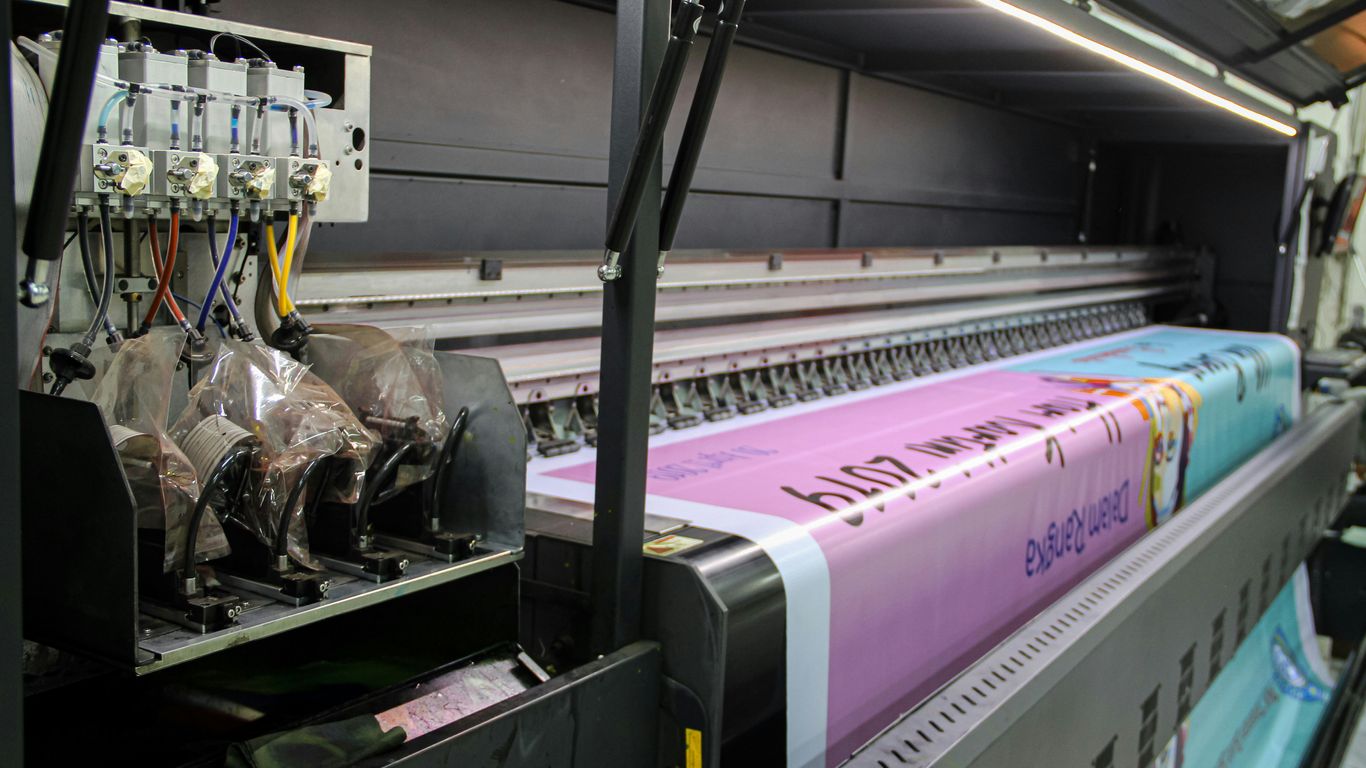
UV printing is a digital printing method that uses ultraviolet light to dry or cure ink as it’s applied to a surface. Unlike traditional printing methods that rely on heat or solvents to dry ink, UV printing uses a special UV-curable ink. When this ink is exposed to UV light, it hardens almost instantly. This process is fantastic for non-porous materials like acrylic because it creates a durable bond and prevents the ink from smudging or running. It’s a pretty neat way to get vibrant, lasting images onto surfaces that might otherwise be tricky to print on.
Why Choose Acrylic For UV Printing?
Acrylic, also known as PMMA, is a really popular choice for UV printing, and for good reason. It’s tough, it doesn’t break easily, and it holds up well against water and sunlight, making it suitable for both indoor and outdoor use. Plus, acrylic is naturally clear, which means colors printed on it can really pop and look super vibrant. You can also get acrylic in all sorts of thicknesses and shapes, which opens up a lot of possibilities for different projects. This combination of durability, clarity, and versatility makes acrylic a prime candidate for high-quality UV printing. It’s a material that really lets the printed designs shine.
The UV Printing Process On Acrylic
Getting a print onto an acrylic sheet using UV technology involves a few key steps. It’s not just a matter of hitting ‘print’ and walking away. First, you have to get the acrylic ready. This means giving it a really good clean to remove any dust, grease, or smudges. Any little bit of dirt can mess up the final print. Once it’s spotless, the acrylic sheet is placed onto the printer’s flatbed. The printer then takes a snapshot of the material’s position so the design can be placed accurately. The digital file is sent to the printer, which applies the UV ink. As the ink is laid down, UV lamps attached to the printer immediately cure it, hardening the ink and bonding it to the acrylic surface. This instant curing is what makes the prints so durable and prevents smearing. After printing, there might be some finishing touches, like cutting the acrylic to a specific shape or polishing the edges, to get the final product just right.
Here’s a quick rundown of the process:
- Surface Preparation: Thoroughly clean the acrylic to remove all contaminants.
- Printer Setup: Position the acrylic on the flatbed and align the digital design.
- Ink Application & Curing: The UV printer applies ink, which is instantly hardened by UV light.
- Finishing: Post-print processes like cutting or polishing are done as needed.
The success of UV printing on acrylic hinges on meticulous preparation and precise execution. From ensuring a dust-free surface to accurately calibrating printer settings for the specific acrylic sheet, each step plays a role in achieving a flawless, durable print that truly stands out.
Key Advantages of Printing on Acrylic Sheets
UV printing on acrylic offers a compelling set of benefits that make it a top choice for many projects. It’s not just about getting an image onto a sheet; it’s about the quality, durability, and even the environmental impact.
Vibrant, High-Quality Prints
One of the most noticeable advantages is the sheer quality of the output. UV printing lays down ink in tiny dots that cure almost instantly under UV light. This process prevents the ink from spreading or bleeding, resulting in incredibly sharp lines and fine details. Colors come out bright and true to the original digital file. This means you can reproduce intricate designs, small text, and complex graphics with remarkable clarity. For applications like signage or fine art reproduction, this level of detail and color accuracy is a game-changer. The inks are also formulated to bond strongly with the acrylic surface, resisting fading from light exposure.
Exceptional Durability and Longevity
Acrylic itself is a tough material, known for its impact resistance and clarity. When combined with UV printing, the resulting prints are even more robust. The UV-curable inks create a hard, protective layer on the acrylic. This layer is resistant to scratches, water, and general wear and tear. Unlike some other printing methods where the ink can be easily damaged, UV prints on acrylic can withstand handling and environmental exposure. This makes them suitable for a wide range of uses, from high-traffic retail displays to outdoor signage. The print’s resilience means your designs will look good for a long time, whether they’re indoors or out. This resistance to wear is a significant factor when considering the long-term value of your printed pieces [ed9b].
Eco-Friendly Printing Process
Compared to some older printing technologies, UV printing is a more environmentally conscious option. The inks used are solvent-free, meaning they don’t release harmful volatile organic compounds (VOCs) into the air during the printing process. This makes the printing environment safer for operators and reduces the overall environmental footprint. Additionally, the instant curing nature of UV inks means there’s no need for additional drying time or equipment that might consume more energy. The process also tends to be more efficient, potentially leading to less material waste. This focus on sustainability is increasingly important for businesses and individuals looking for responsible production methods.
Achieving Superior Print Quality on Acrylic
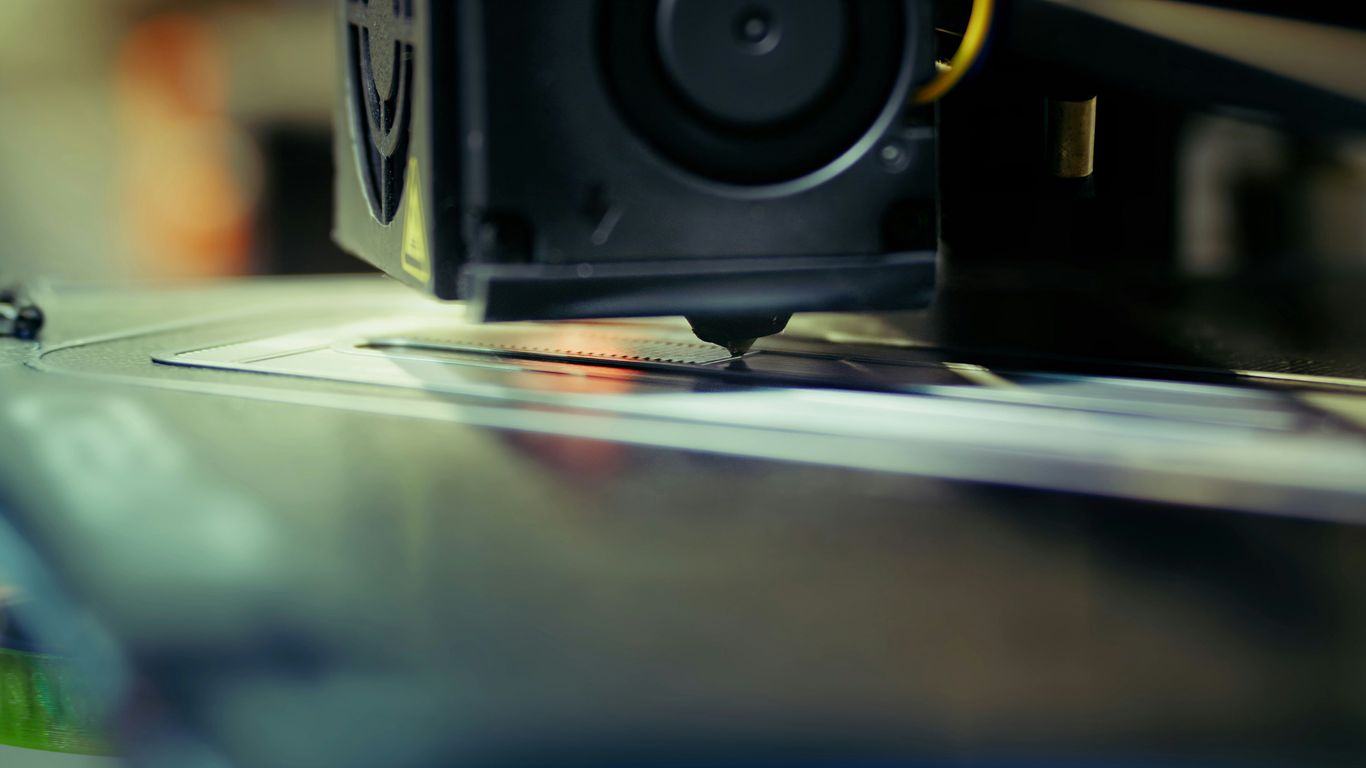
Getting great results when printing on acrylic isn’t just about having the right machine; it’s also about paying attention to the details. A few key steps can make a big difference in how vibrant, sharp, and long-lasting your prints turn out.
Surface Preparation for Optimal Adhesion
Before any ink hits the acrylic, the surface needs to be spotless. Think of it like prepping a canvas for painting. Any dust, fingerprints, or oils left on the acrylic can stop the ink from sticking properly. This means your print might not last as long or could look uneven. So, a good cleaning is a must. Use a soft, lint-free cloth and a suitable cleaner to wipe down the acrylic. Make sure it’s completely dry before you move on.
Leveraging White Ink for Clear Acrylic
When you’re printing on clear or colored acrylic, the colors can sometimes look a bit washed out or see-through. This is where white ink comes in handy. Most UV printers have a white ink channel. By printing a layer of white ink underneath your design, you create a solid base. This makes your colors pop and appear much more vibrant, just like they would on a white background. It also helps your design show up better from both sides of the acrylic piece. For designs where you want parts to remain transparent, you can skip the white ink in those specific areas.
Printer Calibration for Consistent Results
Every printer and every sheet of acrylic can be a little different. That’s why calibrating your printer is so important. This means adjusting settings like the height of the print head and how much ink is used. These adjustments help the printer work correctly with the specific thickness and surface of the acrylic you’re using. Doing a small test print first is a smart move. It lets you check alignment and color before committing to the full print. This saves you time and materials, helping you get that professional look every time. Getting your printer settings right is key for consistent, high-quality prints on acrylic.
Paying attention to surface prep, using white ink strategically, and keeping your printer calibrated are the main ways to get prints that look sharp and last a long time on acrylic.
Exploring Applications for Printed Acrylic Sheets
UV printing on acrylic creates so many options for both businesses and individuals. Printed acrylic sheets offer versatility, long life, and vibrant visuals, making them a go-to material for everything from retail to personal gifts. Here’s a look at some of the most common and creative uses:
Signage and Retail Displays
- Clear and colored acrylics are found everywhere in commercial spaces—think eye-catching store signs, menu boards, and branded logo displays.
- Because UV printing delivers sharp detail and instant curing, you get crisp graphics with accurate color, ideal for business signage or light-up displays.
- Acrylic is tough; combined with UV ink, these displays can handle high-traffic environments and even outdoor weather.
| Application Type | Key Benefit |
|---|---|
| Store Signage | Durable and weather-resistant |
| Point-of-Sale Displays | Instant visual appeal |
| Directional Signs | Easy to customize and install |
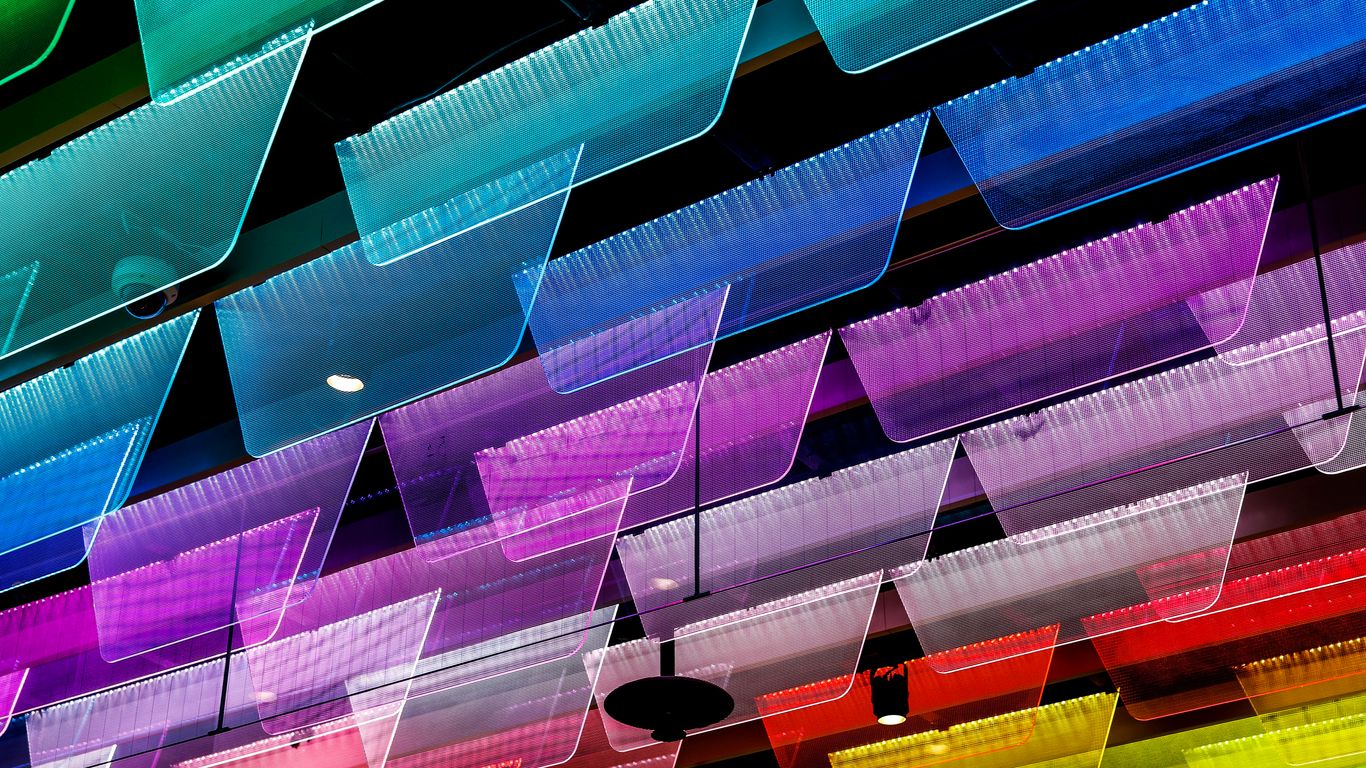
| Backlit Lightboxes | Vivid coloring, dramatic effect |
If you’re interested in more ways to use this method for unique branding, see how UV flatbed printing enables custom signage.
Interior Design and Wall Art
- In homes and offices, acrylic brings artwork to life as floating prints, modern wall panels, or even kitchen backsplashes.
- Its glass-like finish without the fragility appeals for both minimalist and bold designs.
- UV printing allows for edge-to-edge color or selective opacity, adding layering or transparency effects for unique wall art.
Some common uses in interiors:
- Gallery-quality photo panels or reproduction art
- Decorative room dividers with semi-translucent or vibrant prints
- Personalized plaques or nameplates for doors and desks
Printed acrylic can really change a space, especially when combined with natural light or backlighting for a glowing, dimensional look.
Custom Awards and Corporate Gifts
- Acrylic trophies and plaques are popular for business awards because they look sleek yet professional and are highly customizable.
- UV printing lets you add detailed graphics, names, and even multi-layered effects for standout recognition pieces.
- Besides awards, people are now ordering personalized photo blocks, branded desk accessories, and engraved keepsakes.
Here are a few typical custom acrylic products:
- Employee of the month trophies or achievement awards
- Custom-printed paperweights and nameplates
- Corporate gifts, such as coasters and holiday ornaments with a business logo
If you’re curious about designing decorative or backlit promotional items for events or giveaways, check out a practical summary on UV printing on acrylic.
Advanced Techniques in Acrylic Printing
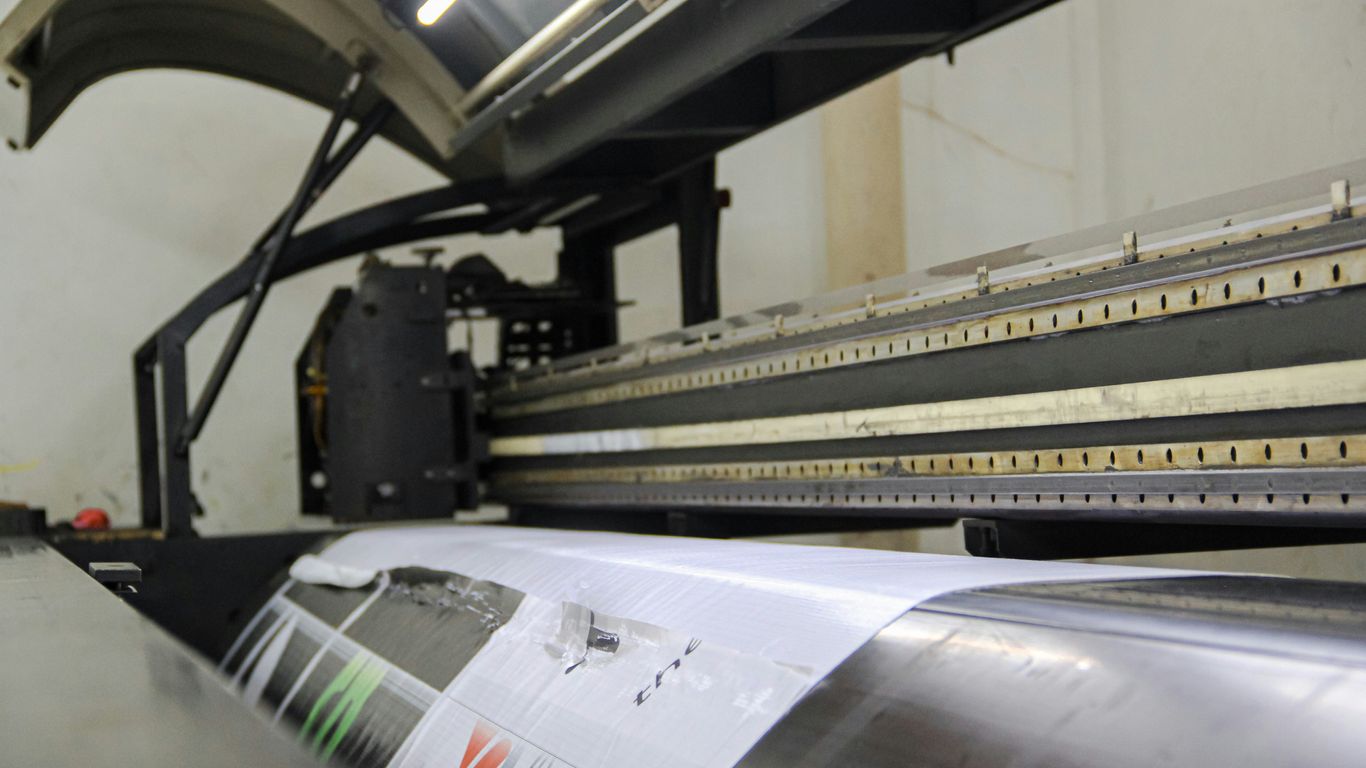
Exploring advanced methods brings out the best features of UV printing on acrylic. Moving beyond standard prints can create added visual depth, texture, and versatility for all kinds of applications, from art pieces to displays. Here’s a breakdown of some standout techniques:
Creating 3D Textured Effects
One of the most eye-catching techniques is adding 3D textures to your acrylic prints. UV printers can layer ink to raise certain design elements, making them stand out to the touch as well as the eye. Think of logos that feel embossed or Braille text added directly onto signage for accessibility.
Benefits of 3D Textured Effects:
- Adds a tactile experience to visual displays
- Offers premium appeal for awards, signage, and decor
- Enables production of functional textures (e.g., Braille)
If you’re curious about professional results, some advanced machines, like those described for high-resolution prints on acrylic, are specially designed for this kind of work.
Raised textures catch the light and encourage viewers to engage with prints in a new way, making everyday signs or artwork memorable.
Edge-to-Edge Printing Capabilities
Acrylic printing isn’t just about what’s in the center—you can push the design right out to the edges. Edge-to-edge printing means your graphics, gradients, or patterns can cover the entire surface, which works great for displays and custom panels. This avoids unsightly "white borders" and allows seamless integration into larger installations.
To get reliable edge-to-edge results:
- Firmly secure acrylic sheets to the printer platform to avoid shifting
- Use print templates matching your acrylic’s exact shape and size
- Test alignment carefully to prevent ink spillover or gaps
Here’s a quick table comparing print modes and their suitability for full-bleed applications:
| Print Mode | Ink Usage | Ideal For |
|---|---|---|
| High Quality | High | Final, edge-to-edge prints |
| Standard | Medium | General runs, edge printing |
| Draft | Low | Tests, partial coverage |
Printing on Various Acrylic Finishes
Acrylic comes in more than just a clear option. From frosted and matte to vibrant colors, each finish opens up new creative options. Printing on these can present unique challenges and opportunities, especially regarding how light interacts with your ink.
Key way to get good results on different finishes:
- Adjust ink layering for transparency or opacity effects
- Use white ink or omitting it for specific visual impacts (clear vs. opaque)
- Test your designs under lighting actual to where they’ll be viewed
With UV direct printing on acrylic, you can achieve visually rich, durable results on just about any finish. This makes it ideal for custom awards, backlit panels, or interior features where the look and feel of the print matter.
Trying different surface types and print settings opens the door to unique products that are hard to miss in any setting.
Maintaining Your Acrylic UV Printer
Staying on top of printer maintenance keeps your acrylic prints looking sharp and helps your equipment last longer. Even the best technology needs regular care to avoid issues like clogs, streaky prints, or shortened machine lifespan. Here’s how you can stay ahead of problems so printing goes smoothly, every time.
Regular Cleaning and Nozzle Checks
It’s a good idea to develop a daily or weekly cleaning habit for your UV printer. Ink can dry inside the printhead nozzles if ignored. This can lead to clogging and uneven prints. Here’s a simple cleaning checklist:
- Wipe exterior and print bed surfaces with a lint-free cloth.
- Use manufacturer-approved cleaning fluids for printheads.
- Run automatic nozzle checks to catch partial clogs early.
Neglecting these steps can cause downtime or waste materials. If you’re unsure about the process, tips for cleaning the printhead can help you avoid ink buildup and other printing headaches (printhead care basics).
Ink and Material Quality Considerations
Choosing good-quality inks and acrylic sheets isn’t just about better prints — it also means less gunk building up inside your machine. Subpar materials can cause permanent nozzle damage or gummed-up rollers. Consider these points for smoother operation:
- Always check ink compatibility with your printer make.
- Use acrylic sheets that are clean, dust-free, and scratch-free.
- Store inks and materials in a cool, dry place to slow down spoilage.
If colors start looking off or prints seem dull, swap out old ink or try a fresh batch of acrylic before looking for more serious problems.
Printer Calibration and Firmware Updates
Printers can lose their fine-tuned alignment after heavy use or when switching between big jobs. To keep print quality steady, calibrate your UV printer regularly using the built-in settings. Focus on:
- Printhead alignment to reduce ghosting and blurs.
- Checking color accuracy for consistent tone.
- Updating printer firmware whenever new versions come out.
Firmware fixes can make your printer run faster and address known bugs. It’s a small step that actually makes a big difference, especially for machines running daily schedules. For detailed steps and environmental tips, check how some users protect their printers from dust, humidity, and temperature swings (print head upkeep).
Routine maintenance saves you from expensive repairs down the line and keeps every print looking its best. Schedule cleaning and checks so they become habits — your future self will thank you after a year of trouble-free printing.
Taking care of your acrylic UV printer is easy and helps it last longer. Try to clean the parts often and check for any issues before using it. If you ever need extra help or have questions, visit our website to learn more and reach out to us for support.
Wrapping Up
So, we’ve gone over how UV printing on acrylic works, why it’s a pretty solid choice for so many projects, and what kinds of things you can make with it. It really is a versatile method for getting vibrant, lasting prints on acrylic, whether you’re making signs, art, or something else entirely. As the technology keeps getting better and more accessible, it’s a great option for both businesses and hobbyists looking to create some really eye-catching pieces. It’s definitely a printing technique worth considering for your next project.
Frequently Asked Questions
Can I print on acrylic sheets at home?
Yes, you can print on acrylic at home if you have a UV printer. These printers are now smaller and more affordable, making it easier for people to try acrylic printing without going to a print shop.
Is UV printing on acrylic expensive?
It used to be costly, but now that more budget-friendly UV printers are available, the price has dropped. Printing on acrylic is now much more affordable for both businesses and hobbyists.
How do I transfer my design onto an acrylic sheet?
The easiest way is to print your image onto UV DTF film, cut it out, peel it, and stick it onto the acrylic. You can also use special transfer films or sublimation, but UV DTF is the simplest for beginners.
What makes UV printing different from regular printing?
UV printing uses special inks that dry instantly when hit with ultraviolet light. This means the prints are sharper, more colorful, and last longer than prints made with regular inks.
Will my acrylic prints fade or scratch over time?
UV prints on acrylic are very tough. The ink bonds tightly to the surface, making it resistant to scratches, sunlight, and water. These prints can last for years without fading, even outdoors.
Do I need to do anything special to care for my UV printer?
Yes, you should regularly clean the print heads, check the nozzles for clogs, and use good quality inks and acrylic sheets. Also, keep your printer updated and follow the manufacturer’s care instructions to keep it working smoothly.