Key Takeaways
Optimizing office environments requires balancing transparency with functional boundaries to support both safety and collaborative workflows. This article explores how to implement clear, durable solutions effectively.
- Acrylic dividers maintain natural lighting while providing physical containment.
- Proper selection requires evaluating mounting styles and material thickness.
- Regular maintenance routines prevent aesthetic degradation like fogging or scratches.
- Strategic placement of partitions creates dedicated quiet zones and organizes traffic flow.
- Custom fabrication options align physical barriers with enterprise branding requirements.
The functional benefits of an acrylic divider in the workplace
Transitioning to an open office floor plan often creates challenges regarding comfort and focus. Architects and managers frequently utilize an acrylic divider to mitigate these issues while preserving the architecture of the space. These transparent barriers provide a clean, modern aesthetic that fits into almost any corporate interior design.
Maintaining visibility and natural light exposure
Acrylic serves as a high-clarity alternative to glass, offering superior light transmission for brighter interiors. Unlike opaque partitions, which can darken corners of a room, clear materials keep the environment feeling airy and spacious. This helps teams stay connected visually even when they are separated by protective distance.
Creating physical separation while fostering collaboration
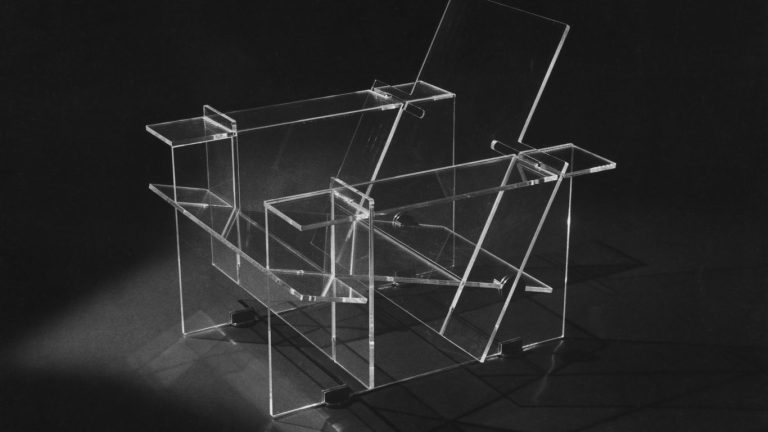
While physical barriers are essential, the ability to see teammates helps maintain team cohesion and allows for impromptu communication. By using Signature Solitaire Collection as a mental note for structural integrity in design, one can see how clear barriers balance safety with openness. Acrylic.my provide custom fabrication that ensures these panels feel like an intentional part of the office landscape rather than an afterthought.
Enhancing workplace health and safety standards
Workplace health involves managing hygiene protocols, which is where protective sneeze guards become vital. These panels safeguard employees during direct professional interactions by creating physical separation. Furthermore, the material is inherently resilient, offering a sturdy shield against daily workplace wear.
Noise reduction versus sound transparency considerations
Sound management is a nuanced aspect of office acoustics, especially in high-density areas. While acrylic is not a sound-absorbing material, the strategic placement of these panels can redirect sound waves away from open-focus areas. It is important to note that sound transparency is a frequent design trade-off, meaning these dividers are better for visual comfort than acoustic isolation.
Choosing the right type of acrylic divider for your office
Selecting the right partition depends heavily on the specific mobility and permanence requirements of your team. Acrylic.my offers guidance on understanding the difference between temporary and permanent installation methods for various architectural needs. Understanding these categories ensures your investment matches your long-term office goals.
Desktop screen options for individual workspaces
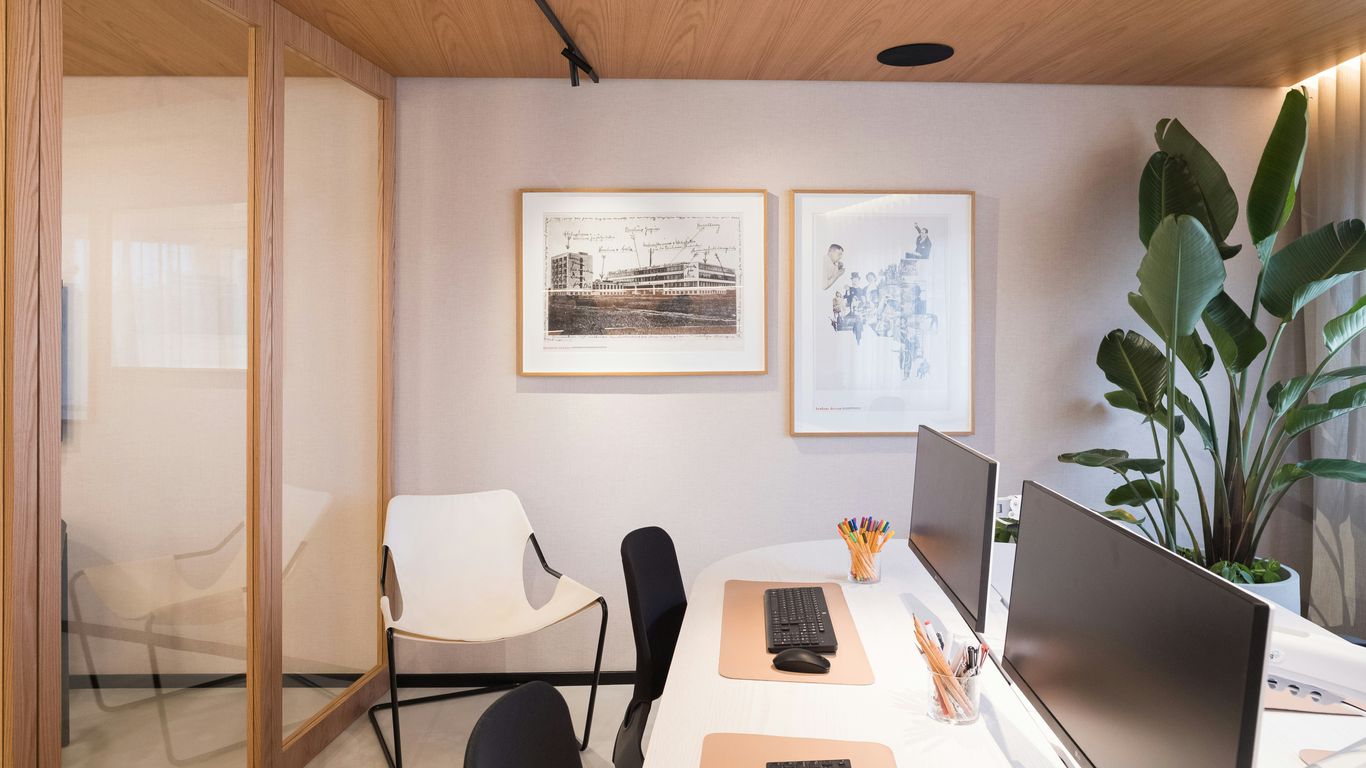
For most businesses, desk mounted privacy screens represent the easiest way to give employees their own bounded area. These are typically smaller and lightweight, designed to clip or clamp onto standard desk edges without causing damage to furniture surfaces.
Freestanding floor partitions for open-plan areas
When you need to define hallways or waiting rooms, floor-standing units offer a robust, semi-permanent way to zone off specific sections. Managers often favor these for their modular nature, allowing them to shift floor layouts as project needs evolve over time.
Modular systems for flexible office configurations
Modular units can be linked together to create larger, flowing structures that adapt to the size of your team. This flexibility allows businesses to expand or contract their layout without tearing down existing infrastructure or re-buying components.
Clip-on options for temporary or portable use cases
Clip-on barriers are designed for transient needs, such as a temporary meeting space or a pop-up collaborative station. Because these are easily moved, they offer an excellent level of versatility for start-ups or companies that frequent changes to their meeting protocols.
Key factors to evaluate before your purchase
Evaluating the technical specifications of your partition materials ensures safety and durability in busy environments. Many businesses fail to account for the impact of structural weight or surface compatibility before installing their workspace separation panels.
Determining the necessary height for privacy and safety
Height selection should prioritize the primary user experience, whether it is protecting a seated worker or a standing client. Higher panels are better for total visual and acoustic separation, while shorter heights are ideal for group collaboration.
Assessing mounting mechanisms and surface compatibility
Before ordering, verifying your mounting hardware is critical for avoiding permanent surface damage. The following table identifies considerations for common mounting surface types:
| Surface Material | Mounting Suggestion | Stability Factor |
|---|---|---|
| Laminate Desk | Clamp-style metal bracket | High |
| Glass Desktop | Padded non-slip base | Moderate |
| Solid Wood | Drill-through heavy duty | Highest |
Balancing material thickness with structural stability
Material thickness dictates how much your partition will flex during daily bumps or cleaning. A thicker gauge, often available from Acrylic.my, provides higher structural rigidity, effectively preventing the panel from warping over time.
Evaluating transparency and finish options
Choices range from fully clear to frosted options that obscure vision for added privacy. You may consider these common variants:
- Clear acrylic for maintaining maximal natural light.
- Frosted finish for increased concentration by hiding distractions.
- Lightly tinted panels for reduced glare during late sun hours.
- Custom patterns for specific company branding.
Proper installation and long-term maintenance
Once installed, these partitions require standard care to prevent premature yellowing or surface fogging. Proper installation is the foundation for an effortless experience, especially when dealing with modular hardware systems that allow for re-assembly.

Tools and techniques for secure desk-side mounting
Using the right installation tool keeps panels level and minimizes the stress on the mounting bracket. For businesses using Signature Solitaire Collection or other email-based automation tools to manage their procurement, keeping a digital inventory of hardware parts is extremely useful for future maintenance.
Cleaning protocols to prevent surface scratches and fogging
Maintaining the clarity of your shields is essential for a professional look. For high-quality acrylic sheets, utilize soft, damp microfiber cloths rather than paper towels to prevent micro-abrasions. Avoiding harsh chemicals ensures that your panels remain crystal-clear for years to come.
Inspecting hardware regularly for signs of wear or instability
Hardware components, such as hinges or clamps, should be inspected during monthly facility walk-throughs to ensure they haven’t loosened. Simple, regular tightening ensures a stable barrier remains exactly where you intended it to be.
Troubleshooting common alignment issues with modular panels
If you find your panels are not lining up, check the level of the workspace surface first rather than the panel itself. Minor leveling adjustments are often enough to fix cosmetic gaps between modular screen components.
Strategic placement for optimal office workflow
Placement logic should always put the flow of traffic alongside the natural desire for focused work areas. Using International qualifications knowledge regarding team performance metrics can guide how you balance communication and private time.
Balancing physical separation with the need for team communication
Strategic layout planning prevents the feeling of isolation while maintaining beneficial physical buffers. It is better to leave small open gaps between dividers in collaborative settings to facilitate easy conversations.
Configuring partitions to effectively direct foot traffic
Partitions act nicely as low-impact traffic conductors, helping to define paths through the office. By directing visitors around workstation blocks, you minimize interruptions for employees working on deep-focus tasks.
Implementing barriers to reduce visual, non-work-related distractions
Sometimes a simple change in perspective is all that is needed to reclaim focus, and setting up vision-blocking panels is the most common solution. Rojo Alicante natural stone textures or similar aesthetics can sometimes be mimicked in frame designs to make the barriers feel less like medical equipment.
Creating dedicated quiet zones for high-focus tasks
Quiet zones can be established by using larger floor-standing units to block off peripheral movement. Implementing these barriers where deep work takes place is a major benefit for team productivity.
Designing a productive and professional environment
Well-placed partitions can improve the professional atmosphere, signaling that a space is organized and well-managed. Using hiring specialists or experienced fit-out contractors ensures that your functional choices align with your organizational goals. Following these design principles helps Acrylic.my provide the most suitable clear desk barriers for your office.
Selecting acrylic finishes that complement existing corporate branding
Integrating your brand identity through subtle acrylic finishes like frosted edges or laser-cut logos gives your office a polished, custom feel. These small touches contribute heavily to the overall professionalism recognized by both staff and visiting clients.
Using dividers to anchor or organize workstation equipment
Dividers are not just for separation; they can also host accessories like pen holders or small shelves. By keeping these tools off the desk surface, you recover desk utility and maintain a clutter-free look.
Integrating cable management with partition placement
Cable management is critical for a tidy modern office. Many modern dividers are designed to handle unsightly cords, hiding them from view while keeping the workspace clean. When maintaining office order, consider how these panels can serve as an integrated base for organizational tools.
Maximizing usable space in high-density office layouts
In offices where square footage is at a premium, vertical dividers allow for better use of air space. They help employees feel ownership of their personal zone without the need for large, immovable permanent walls.
Conclusion
Implementing acrylic-based solutions effectively transforms office dynamics by providing the necessary balance between collaborative openness and personal focus. By selecting the right mounting, maintaining your panels with proper cleaning, and placing them to foster better workflow, you create a professional environment that supports long-term workplace productivity and employee wellness.
Frequently Asked Questions
How often should acrylic panels be cleaned to prevent fogging?
Panels should be wiped down periodically depending on usage, ideally with a non-abrasive microfiber cloth to ensure the surface remains pristine and free from dust buildup.
Can desk dividers be customized for specific desk sizes?
Yes, custom fabrication allows for precise measurement adjustments to fit any desk configuration, ensuring that the installation is stable and perfectly aligned to your furniture.
Are these partitions suitable for soundproofing?
These panels are effective at minimizing the spread of air and directing traffic but do not provide full sound absorption; they are primarily chosen for visual separation and safety purposes.
Is it difficult to move partitions once they are installed?
Generally no, as most modern desk-mounted units use easy-access clamps or clip-on mechanisms that allow for quick repositioning without a significant time investment.
Do clear panels require special hardware for installation?
Mounting hardware is typically designed to be user-friendly, though you should confirm that clamp gaps match your desk thickness before purchasing to ensure a secure, safe fit.
Can you attach branding or logos to the acrylic?
Professional fabrication services can apply custom vinyl or laser-engraved logos directly to the acrylic, helping to integrate the barriers as a seamless part of your company interior.
Should I choose frosted or clear acrylic for my workspace?
Clear acrylic is best for maintaining light and visibility, while frosted is preferred for high-traffic areas where visual distraction reduction is the primary goal for the staff.